Need help finding the right solution?
CONNECT WITH LUMINYS

LumiSearch AI Video Search for Security Footage | Luminys |
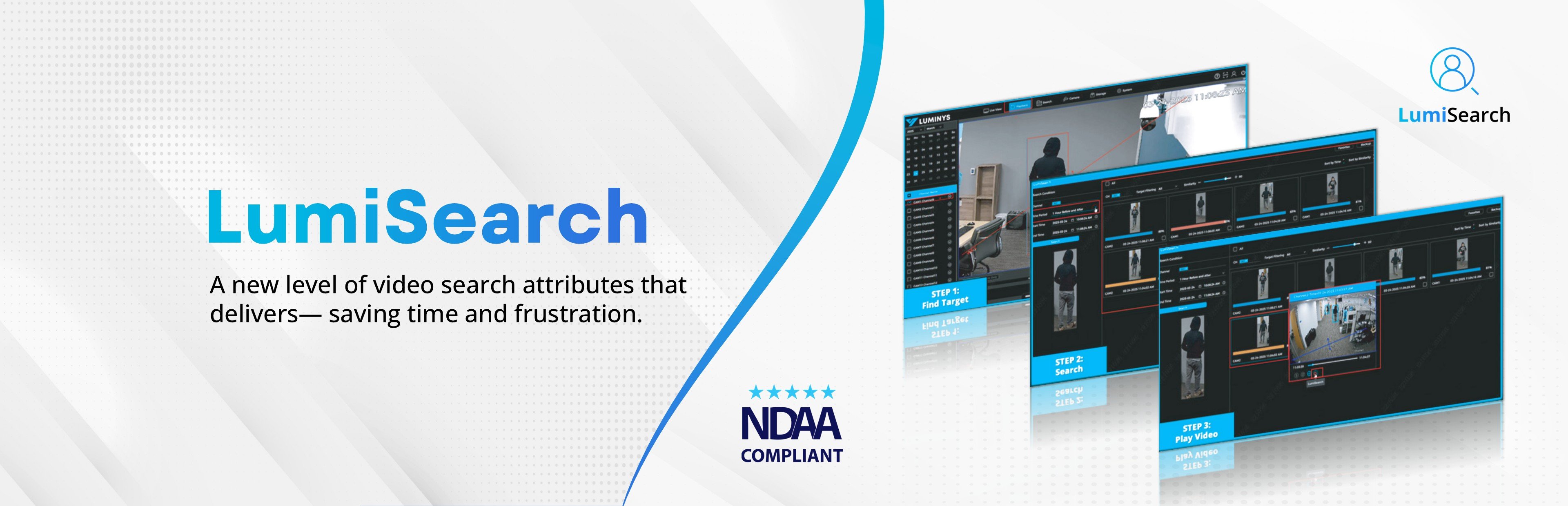
LumiSearch
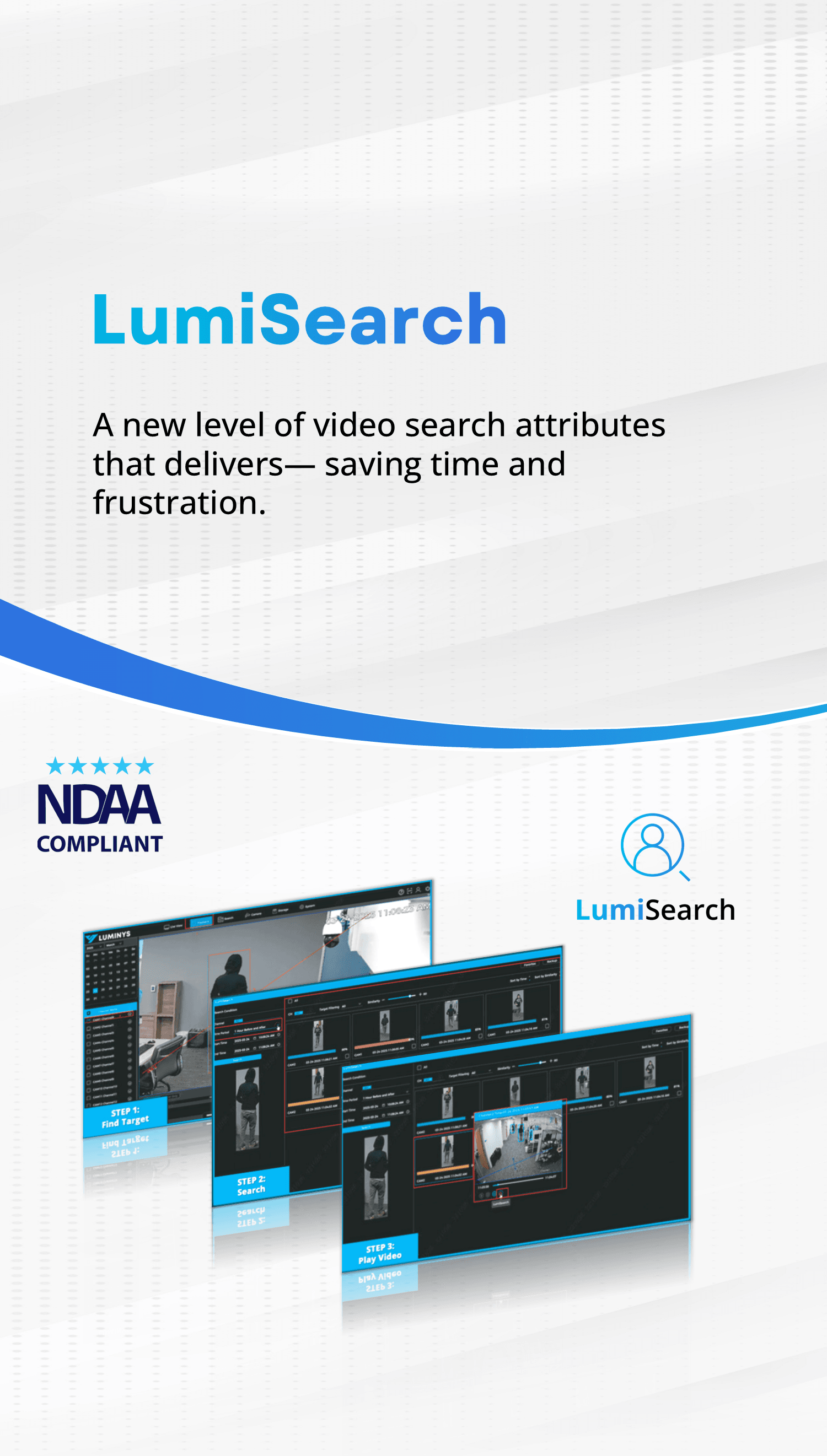
A new level of video search attributes that delivers — saving time and frustration
LumiSearch technology lets you quickly find, track, and identify targets in security footage using a reference image. The LumiSearch algorithm analyzes human body shape, and other characteristics to accurately pinpoint where a target has appeared in recorded video captured by any LumiSearch-enabled camera and NVR.

Find and track a target using a reference image throughout recorded video.

Enhances LumiSearch by combining metadata and search to simultaneously analyze characteristics.

Perform enterprise-level searches across multiple locations using any compatible camera with LumiCenter Max VMS.
Simulated image, the red boxes are added as emphasis to highlight LumiSearch, actual user interface may differ.
Quickly Find, Track, and Identify Targets
LumiSearch technology lets you quickly find, track, and identify targets in security video using just a reference image. Its algorithm analyzes body shape to accurately determine where a person has appeared across any LumiSearch-enabled camera or NVR. Additionally, LumiSearch is designed with privacy in mind—it does not use facial recognition, does not require pre-registration, and collects no personally identifiable information. Instead, each individual is assigned a random number, which is used solely for comparison and matching purposes.
Visualize Paths From Camera to Camera When Tracking Targets
LumiSearch+ lets you quickly find, track, and identify targets in security video using just a reference image. Its algorithm simultaneously analyzes metadata and search attributes such as color and body shape to accurately determine where a person has appeared across any LumiSearch-enabled camera or NVR. For optimal performance, the lighting environment should remain consistent; otherwise, color variations may compromise search accuracy. LumiSearch+ also stands out with Trajectory Tracking, which visualizes movement paths across multiple camera feeds to improve situational awareness. Additionally, LumiSearch+ is designed with privacy in mind—it does not use facial recognition, does not require pre-registration, and collects no personally identifiable information. Instead, each individual is assigned a random number, which is used solely for comparison and matching purposes.
Harness the Power of AI-Driven Video Analytics
LumiSearch VMS is a feature of LumiCenter Max Video Management Software (VMS) that extracts appearance attributes such as clothing type and color and stores them in a database. Users can then select or upload an image and find visually similar individuals within stored video, streamlining investigations and enhancing surveillance efficiency. Search across multiple cameras and multiple locations without the need for edge analytics. LumiCenter processes the search on the backend server using any compatible camera to quickly find, track, and identify targets in security video using just a reference image—it does not use facial recognition, does not require pre-registration, and collects no personally identifiable information.
LumiSearch Features
No additional license is required to use LumiSearch or LumiSearch+ on NVRs and cameras. LumiSearch and LumiSearch+ are available on R5 Mainstream and R6 Extreme NVRs when paired with the LumiSearch-enabled cameras.
LumiSearch VMS is a feature of LumiCenter Max VMS solution and requires the purchase of a software license (sold separately). LumiCenter supports any ONVIF-compatible camera and cameras on the LumiCenter VMS Compatibility Chart. See LumiCenter VMS for additional details.
| | | |
Feature | LumiSearch | LumiSearch+ | LumiSearch VMS |
Efficient Tracking Locate individuals or vehicles quickly across feeds with a single reference image | Y | Y | Y |
Targeted Searches Filter by attributes like clothing or vehicle for rapid retrieval | - | Y | Y |
Trajectory Tracking Visualize movement paths across multiple LumiSearch-enabled camera feeds | - | Y | - |
Advanced Attribute Search Identify by unique characteristics, including animal detection (animals cannot be searched for, only omitted from search results) | - | Y | - |
Pre-Search by Intrusion Draw custom search areas with irregular shapes for precise monitoring | Y | Y | Y |
Pre-Search by Line Crossing Detect unauthorized entry across designated points | Y | Y | Y |
Search Based on Uploaded Image | Y | Y | Y |
Search Across Multiple Cameras Search compatible cameras connected to same NVR | Y | Y | Y |
Search Across Multiple Locations Search any camera connected to LumiCenter VMS, including cameras at various locations | - | - | Y |
Compatible Software | WebGUI | WebGUI | LumiCenter Max VMS |
Compatible Cameras | P54-4DB25, N5-D, N5-C, P5-S series | N5-L | Any Camera, ONVIF |
Compatible NVRs | R5 & R6 Series NVR | R5 Series NVR | - |