
HD Analog
Overview




HD Analog Security Solution
FAQ
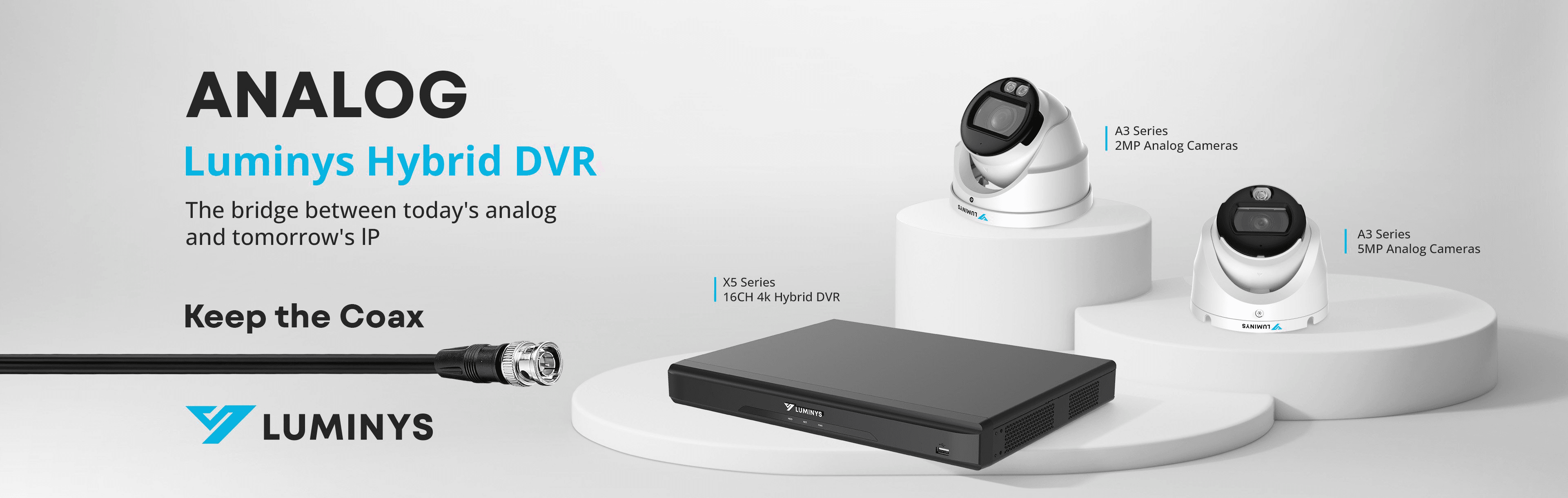
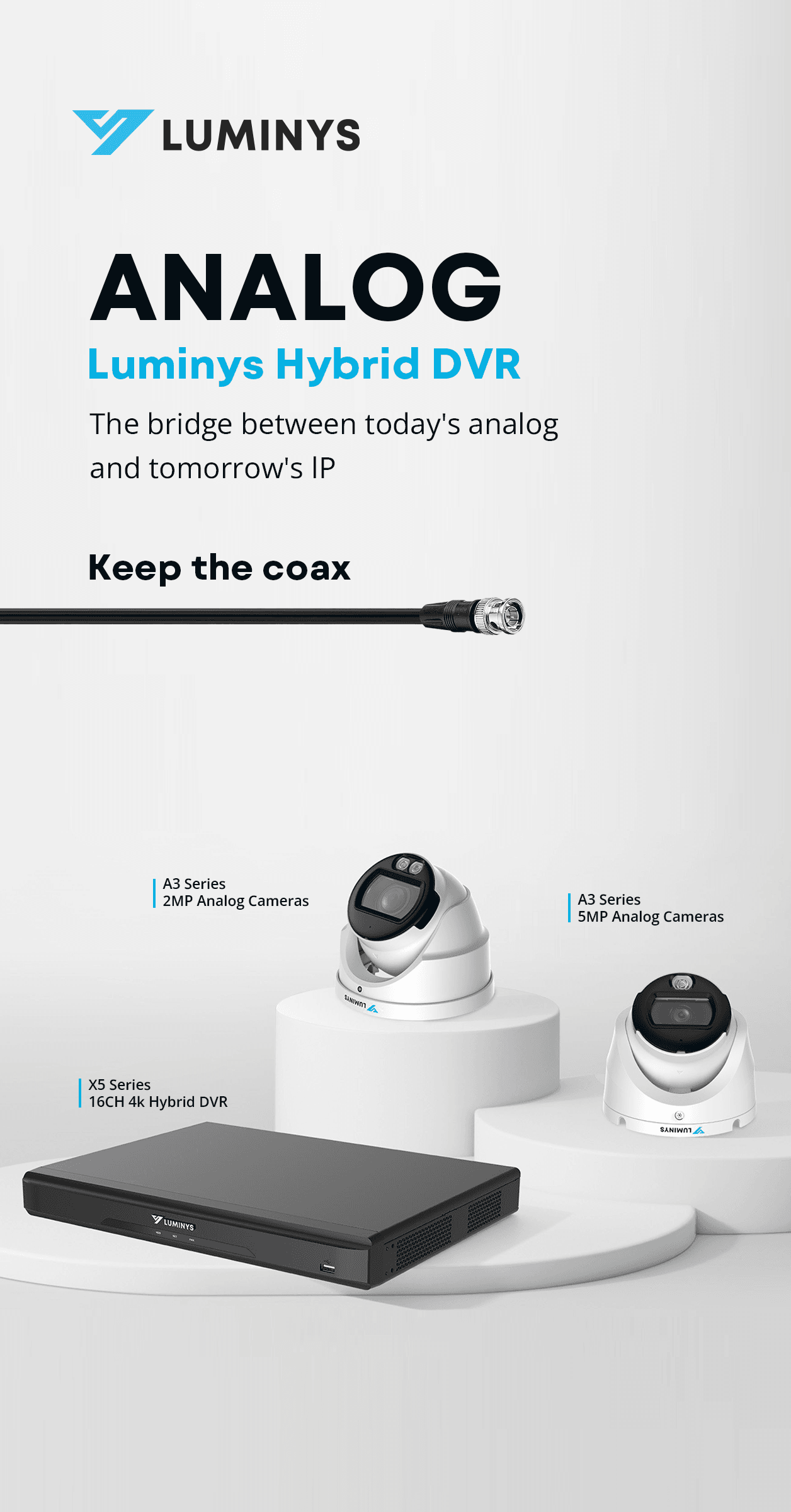
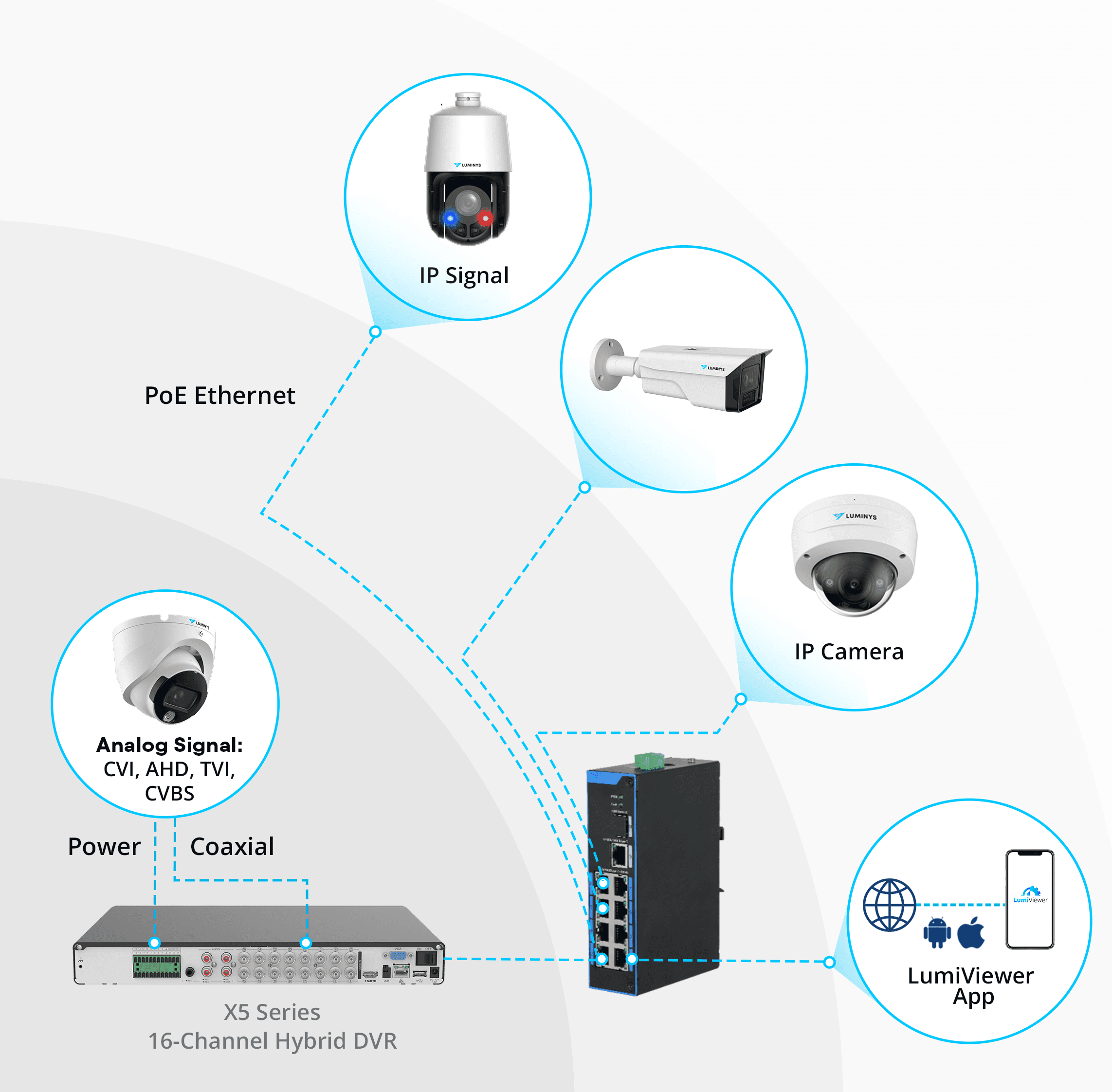
Yes. The X52-16KA supports CVI, AHD, TVI, and CVBS analog video inputs, allowing many existing HD over Coax and standard analog camera systems to be retained.
Before upgrading an existing installation, dealers and integrators should verify the coax condition, cable distance, connectors, camera power requirements, and signal format.
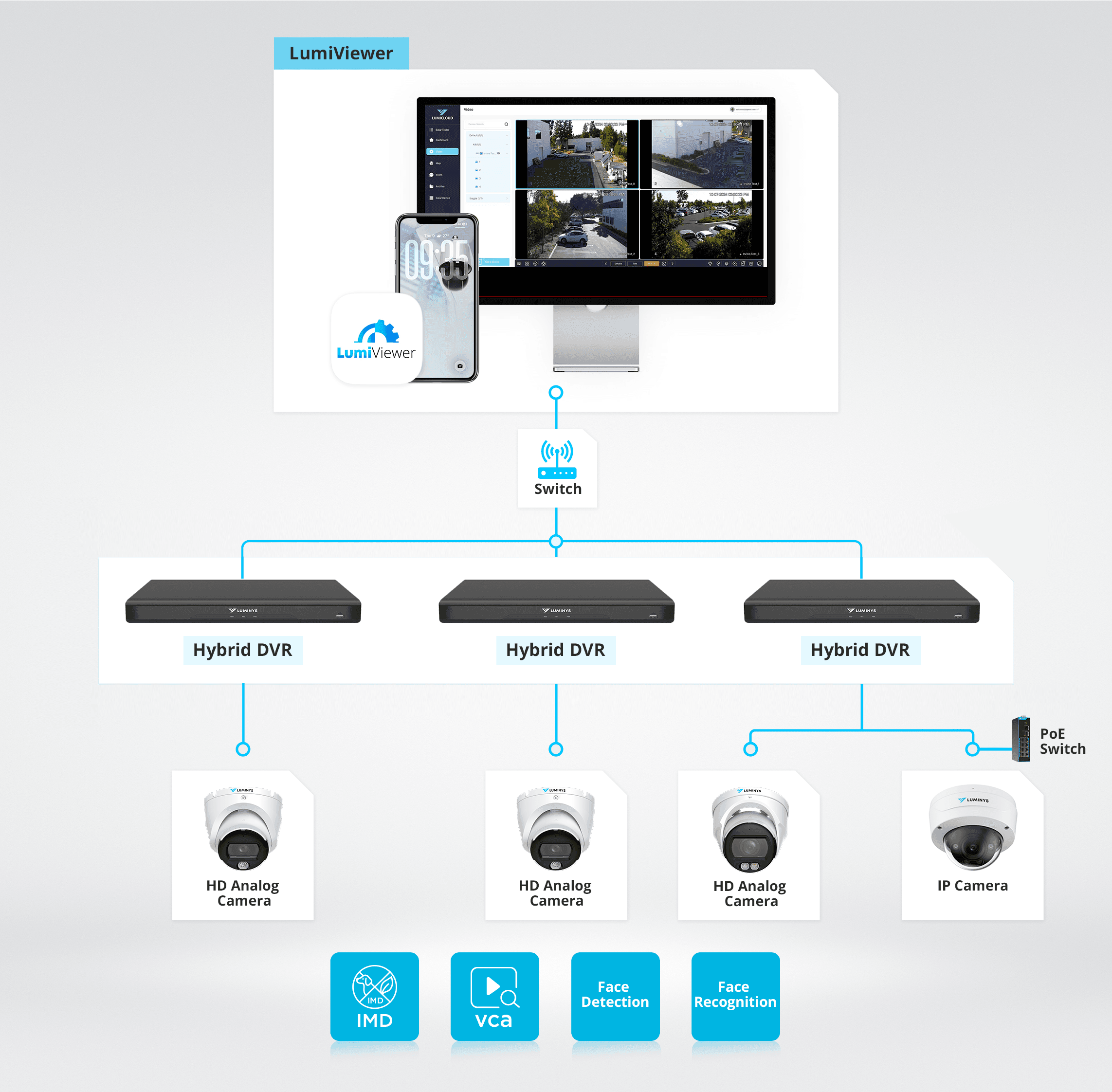
The X52-16KA can operate analog and IP cameras in the same video security system. IP cameras connect through a PoE switch on the same local network as the recorder. After at least one IP channel is enabled, installers can search for and add cameras through the Camera Registration page. Once connected, IP cameras support live view and playback on the DVR. For IP Cameras with onboard Analytics, their onboard analytics are configured and viewed in each camera’s web interface and are not recorded on the DVR.
In Hybrid Mode, the recorder supports up to 16 analog cameras and 16 IP cameras, with resolutions up to 8MP per channel. In Full IP Mode, it supports up to 32 IP cameras at up to 4MP per channel, subject to the recorder’s incoming bandwidth and channel configuration limits.
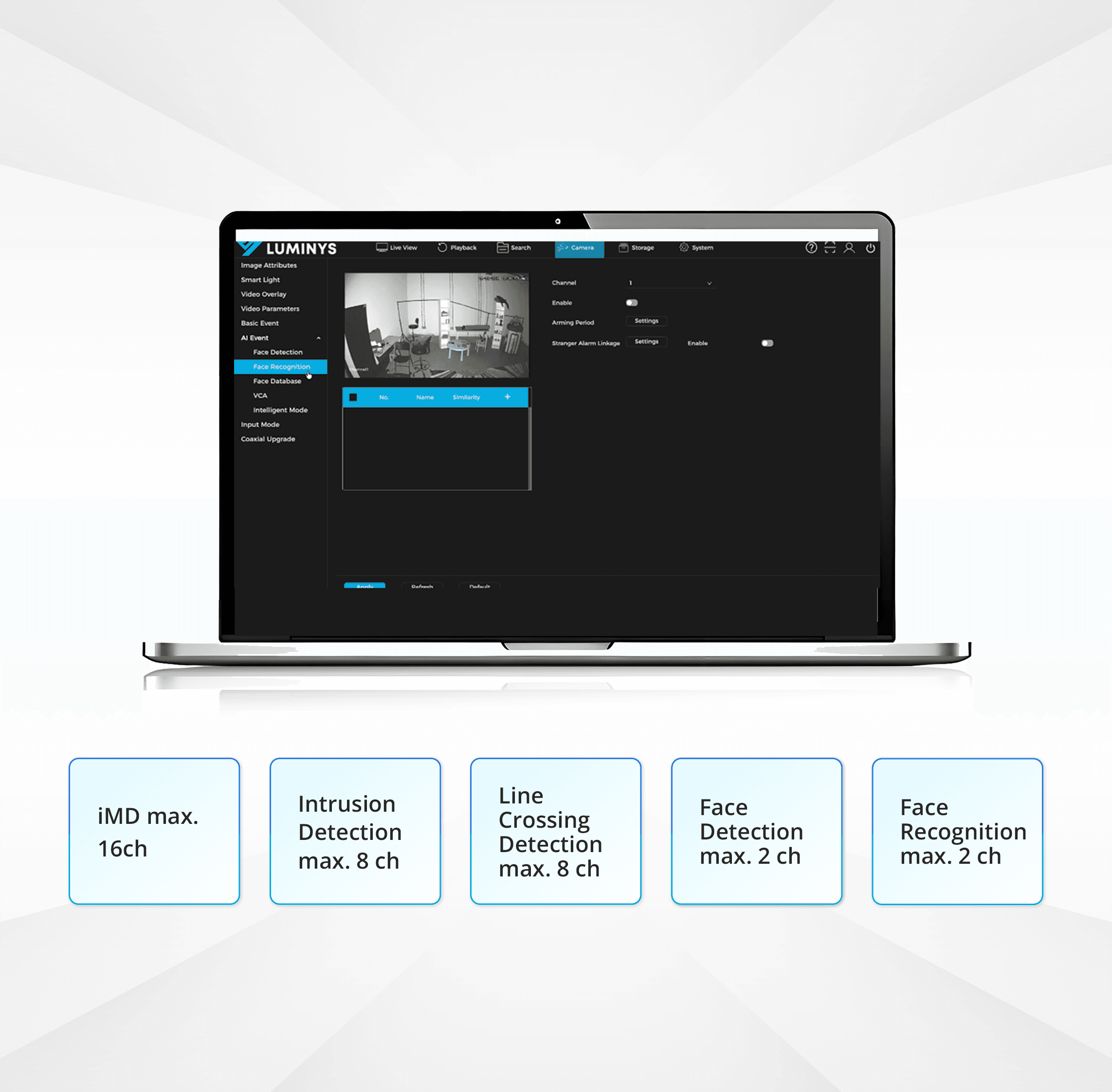
The X52-16KA provides recorder-based analytics for connected analog cameras. Each analog camera can run only one intelligent mode at a time. The maximum number of analog cameras supported for each analytics mode across the system is as follows:
- Intelligent Motion Detection on up to 16 analog channels
- Line-crossing detection on up to 8 analog channels
- Intrusion detection on up to 8 analog channels
- Face detection on up to 2 analog channels
- Face recognition on up to 2 analog channels
Because the DVR processes these analytics, connected analog cameras do not need compatible onboard analytics. Mixing analog and IP cameras on channels 1–16 does not affect these analytics; enabling IP expansion channels 17–32 disables DVR-based analytics.
For IP cameras with onboard analytics, analytics settings, IP cameras use their own onboard analytics, which are configured and viewed in each camera’s web interface and are not recorded on the DVR. Dual illumination on an IP camera is also set up in the camera’s web interface and requires a camera with both IR and white-light illumination.
The X52-16KA supports CVI, AHD, TVI, and CVBS analog video formats, and its recorder-based analytics can work with connected third-party analog cameras. Third-party IP camera compatibility and available features may vary by camera model, protocol, and system configuration. Dealers and integrators should verify compatibility before specifying a third-party IP camera for a project.
The X52-16KA can also be added to a Luminys NVR when the NVR has enough available channels for the DVR channels being added.
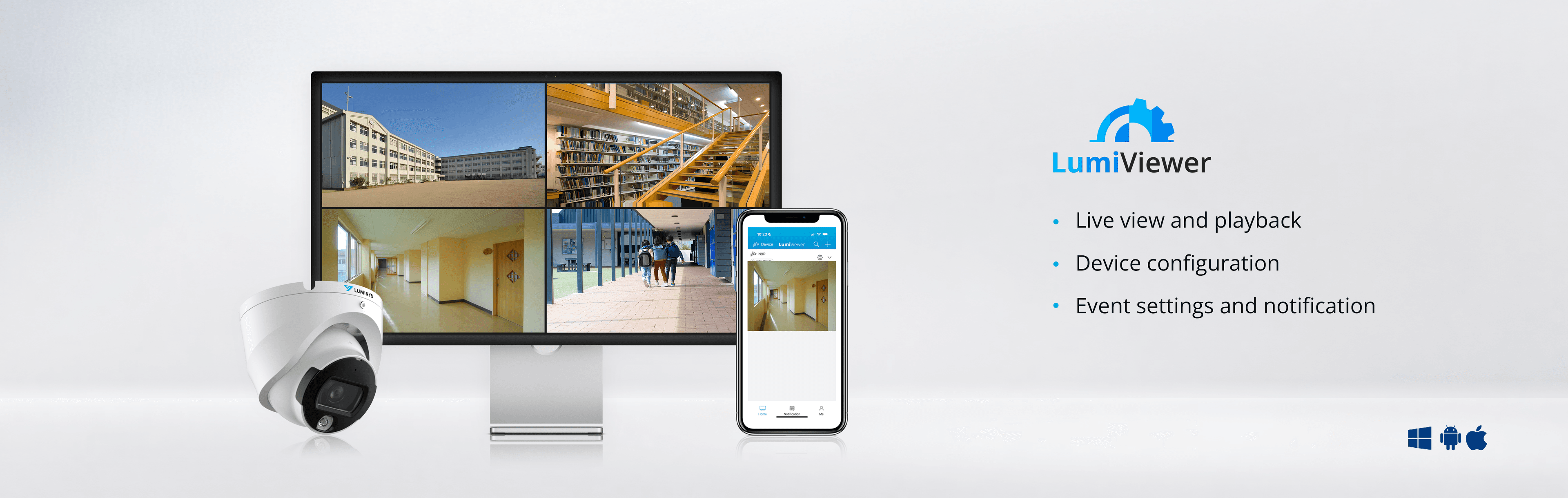
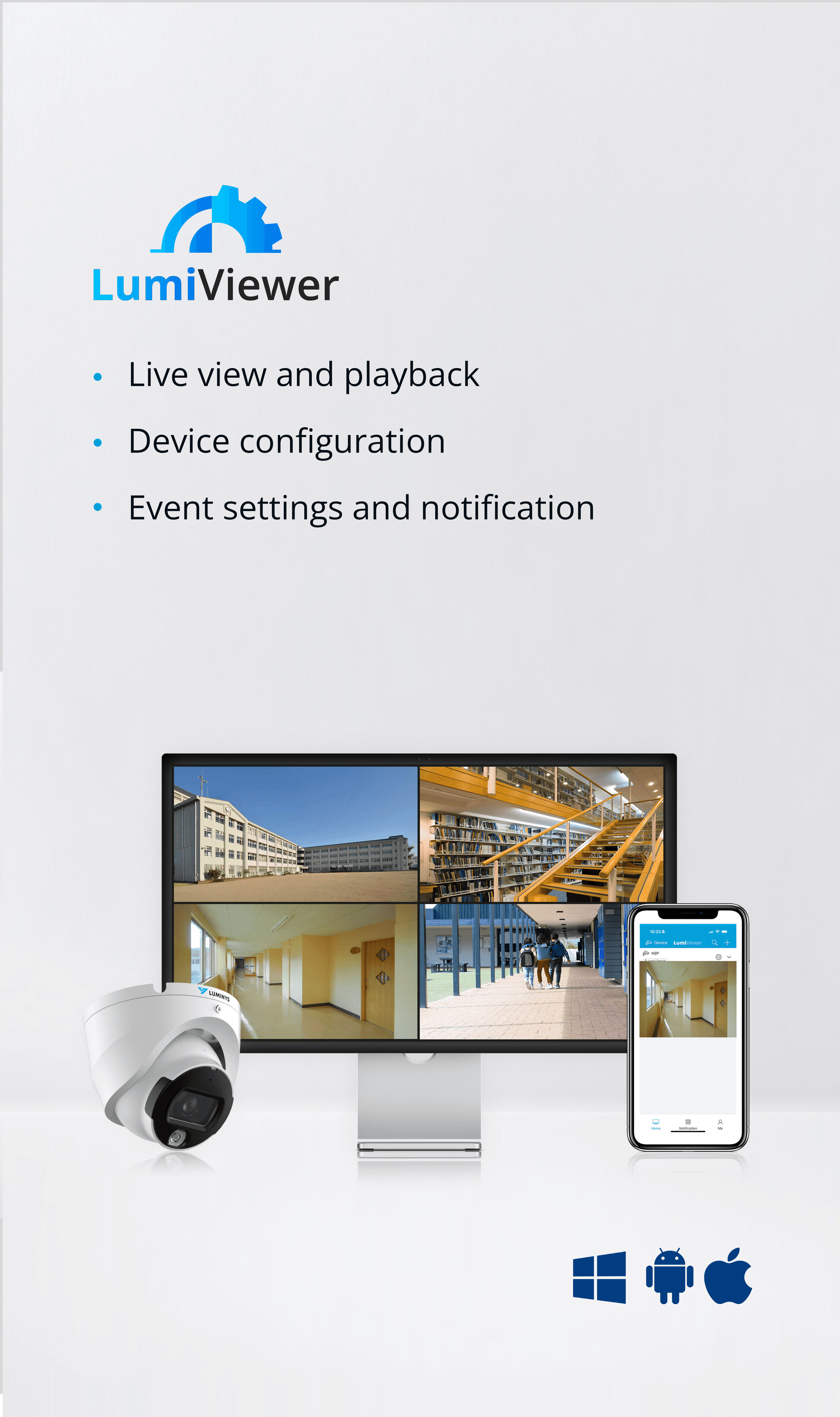
The X52-16KA can be managed through LumiViewer Desktop and the LumiViewer mobile app. Analog cameras are managed through the connected DVR rather than added directly to LumiViewer.
Using LumiViewer Desktop, installers can discover and initialize IP devices, configure network settings, add the recorder by IP address or serial number, and open the recorder’s WebGUI. Operators can view live video, play back recordings, receive event notifications, search events, export video clips, and organize custom camera views.
The free LumiViewer desktop version supports management of up to 128 video channels, including live viewing of up to 64 channels and synchronized playback of up to 32 channels. An optional license expands management capacity to 256 channels. E-map is available on desktop only, and access-control capabilities are more limited on mobile.